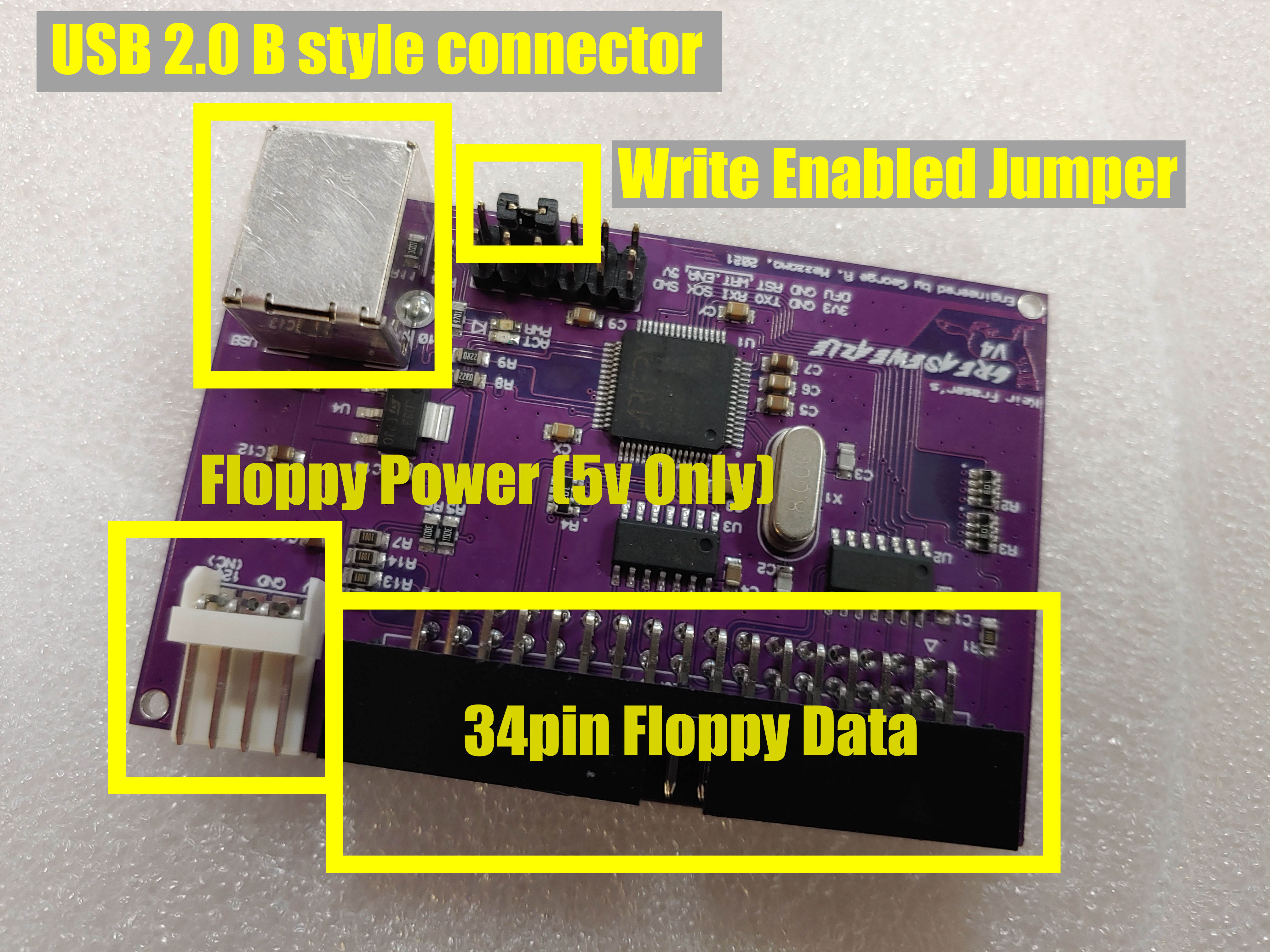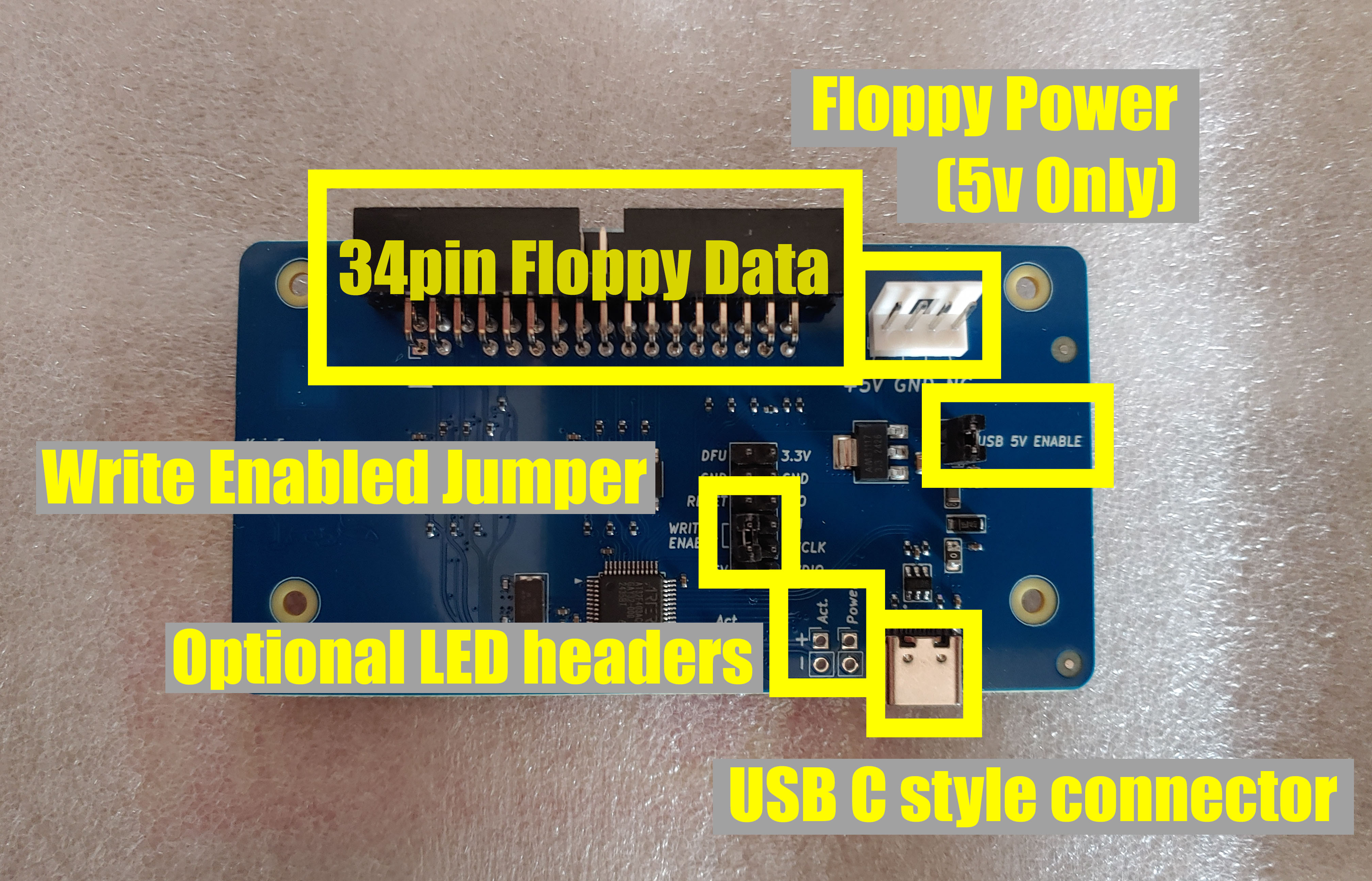

GreaseWeazle v4.1 board
- Premium GreaseWeazle v4.1 board with hardware warranty.
- Made with high quality PCB components for lasting performance
Premium GreaseWeazle v4.1 board (color may vary) has all high quality components. These are built to last and come with a three year warranty which can be verified at warranty.leapmaker.com
** Having trouble working with retro HDD disks? Click here for help.Also you may wish to checkout the GreaseWeazle official Facebook group
Software:
The most important thing will be to install the GreaseWeazle Host Tools. This is need to gain access to the GW command. The general steps for doing this will be:
- Windows Installation instructions
- MacOS Installation instructions
- Linux Installation instructions
- For other operating systems, you can try to compile the python code from the repository
The general idea is that the commandline and GUI tools read and write an image file. To access the data you will need software which can read the image file. On Windows the drive does NOT act like a normal storage device, but the image files will have the content from the disk. Besides reading and writing there are commands that can be used for example to convert image files or clean a disk.
- To retrieve content from a floppy you will issue a READ command and specify a new image file where disk will be stored.
- To write an image file to a disk you will issue a WRITE command and specify an existing image file with the contents to write to the disk.
By default the GreaseWeazle will not "mount" like a classic floppy drive where the disk will open and you can see the files. However, there is free software that will allow you to do this called DiskFlashback (Windows). With DiskFlashback you will be able to mount floppy disks of a wide variety of formats directly to the file system and can be found here DiskFlashback Github.
In emulation mode on WinUAE Rob Smith's plug in allows the drive to act as a native drive and can be used with both double density or high density disks.
** Having trouble working with retro HDD disks? Click here for help.
Documents and Manuals
- Software Manual
- GreaseWeazle QuickStart
- Hardware Board Descriptions v4.1
Software
- Command line tools: GreaseWeazle Tools by Keir Fraser
- Windows GUI (requires command line tools): gWeazleGUI by Akutra Cea
- WinUAE support allows the drive to act as a retro DD/HD drive in Amiga emulation: FloppyBridge Plugin by Rob Smith
- Empty Floppy Images allow you to pre-image floppies for a specific size / format here are some AmigaDOS format ADFs